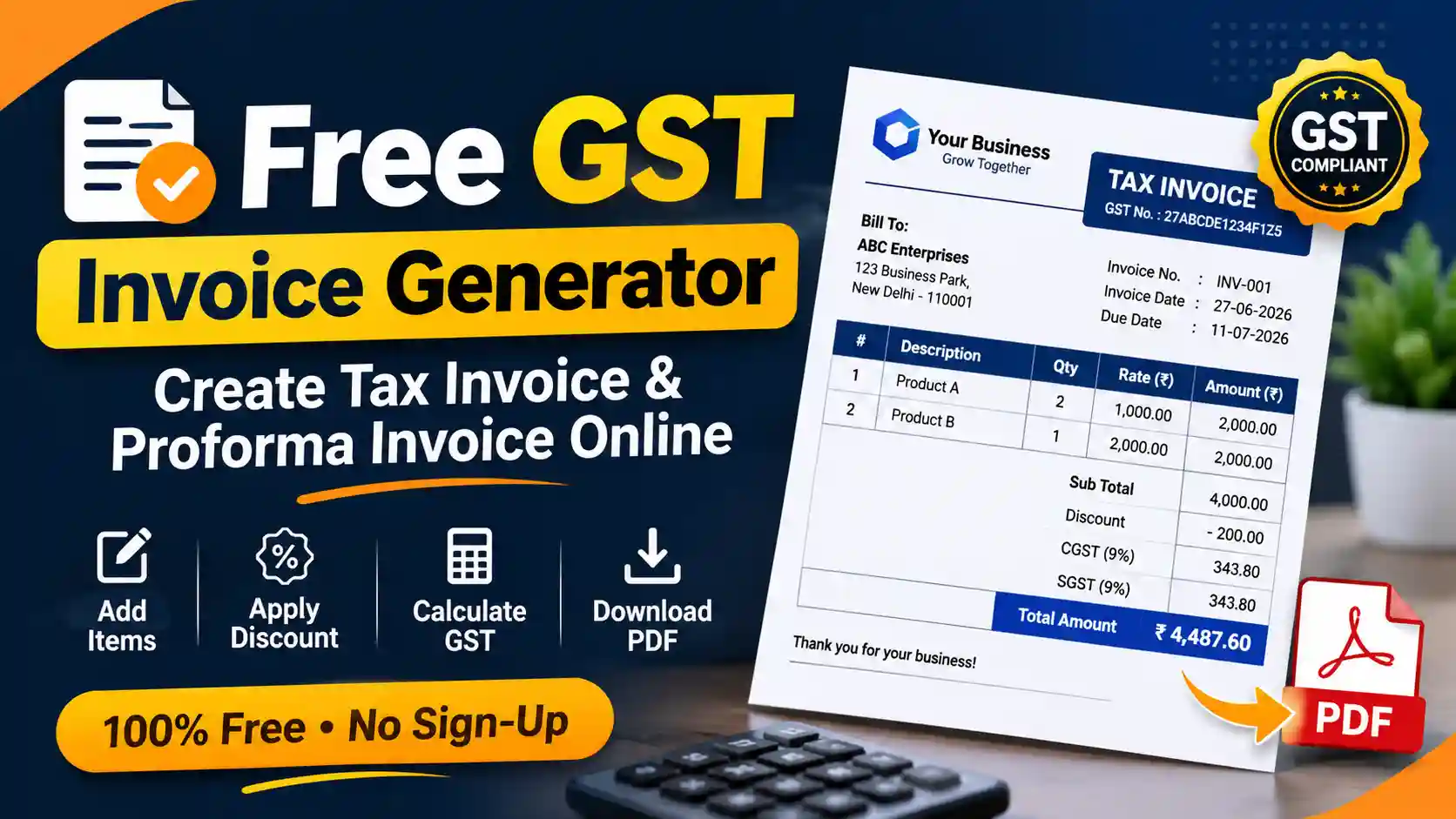
Invoicing without accounting software
If you only send a few invoices a month, full accounting software can be more than you need. This tool lets you build an invoice in your browser: add line items, and it works out discounts, GST and the grand total for you.
Use it for a quick estimate, a proforma invoice or a final GST tax invoice. Everything runs on your device, so you can download the PDF and send it straight to your client.
Tax Invoice vs. Proforma Invoice vs. Receipt
Each document has a different job, so send the one that fits the stage of the sale.
| Document Type | When to Use It | Legal Status |
|---|---|---|
| Proforma Invoice | Sent before the work is completed or goods are shipped. Acts as a formal estimate or quote. | Not a demand for payment; not recorded in accounts payable. |
| Tax Invoice | Sent after work is completed. Demands payment and outlines exactly how much tax (GST) is owed. | The document the buyer uses to claim Input Tax Credit (ITC), where eligible. |
| Receipt | Issued after the client has paid the invoice to acknowledge the transfer of funds. | Proof of payment execution. |
What a GST tax invoice should include
Rule 46 of the CGST Rules lists the required particulars. As a working checklist, include:
- Clear Identification: The document must be clearly titled (e.g., "TAX INVOICE"). You can adjust the "Document Title" field in our tool to match your needs.
- Invoice Number & Dates: A unique, sequential invoice number, the date of issue, and a clear payment Due Date.
- Party Details: The complete name, address, and Tax ID/GSTIN of both the billing entity (you) and the client.
- Itemized Billing: A clear breakdown of the services rendered or products sold, including the unit rate and quantity.
- Financial Breakdown: The exact subtotal, applied discounts, computed tax amount, and the final grand total.
How to create an invoice
It takes a couple of minutes:
- Select Your Layout: Choose between the Modern (features a bold, dark header), Classic (a traditional, centered format), or Minimalist (clean, borderless lines ideal for creative agencies) templates.
- Pick Your Currency: Search the currency list. ₹ INR is the default.
- Upload Your Brand: Attach your business logo to ensure the invoice aligns with your corporate identity.
- Enter Party Details: Fill out your business details and your client's billing information.
- Add Line Items: List your services or products. The tool will auto-calculate the row amounts based on the quantity and rate you input.
- Apply Taxes & Sign: Input your required discount or tax percentages. Upload a digital signature, and add any specific payment terms in the Notes section. Then download the PDF.
Related guides
Read the full checklist in our GST invoice format guide. You may also want to see how GST on restaurant bills works, or how HRA rent receipts are used for tax claims.
About the Author
Important Disclaimer
This utility is provided for formatting and organizational purposes only. Users are solely responsible for ensuring the accuracy, legality, and tax compliance of the invoices they generate. FreeBillGen does not provide accounting or legal advice.
Frequently asked questions
What is the difference between a proforma invoice and a tax invoice?
A proforma invoice is a preliminary estimate sent before delivery. A tax invoice is the final document showing the GST charged and requesting payment.
Does the downloaded invoice have a watermark?
No. The PDF is clean and has no promotional watermark.
Can I bill in currencies other than INR?
Yes. Pick any currency from the searchable list. INR (₹) is the default.
Is my client data stored?
No. The invoice is generated in your browser with JavaScript, and the details you enter are not sent to our servers.